
Board Pack (Riley)
Timeline View
A month-bucketed view of the roadmap.
Timeline View (Riley)
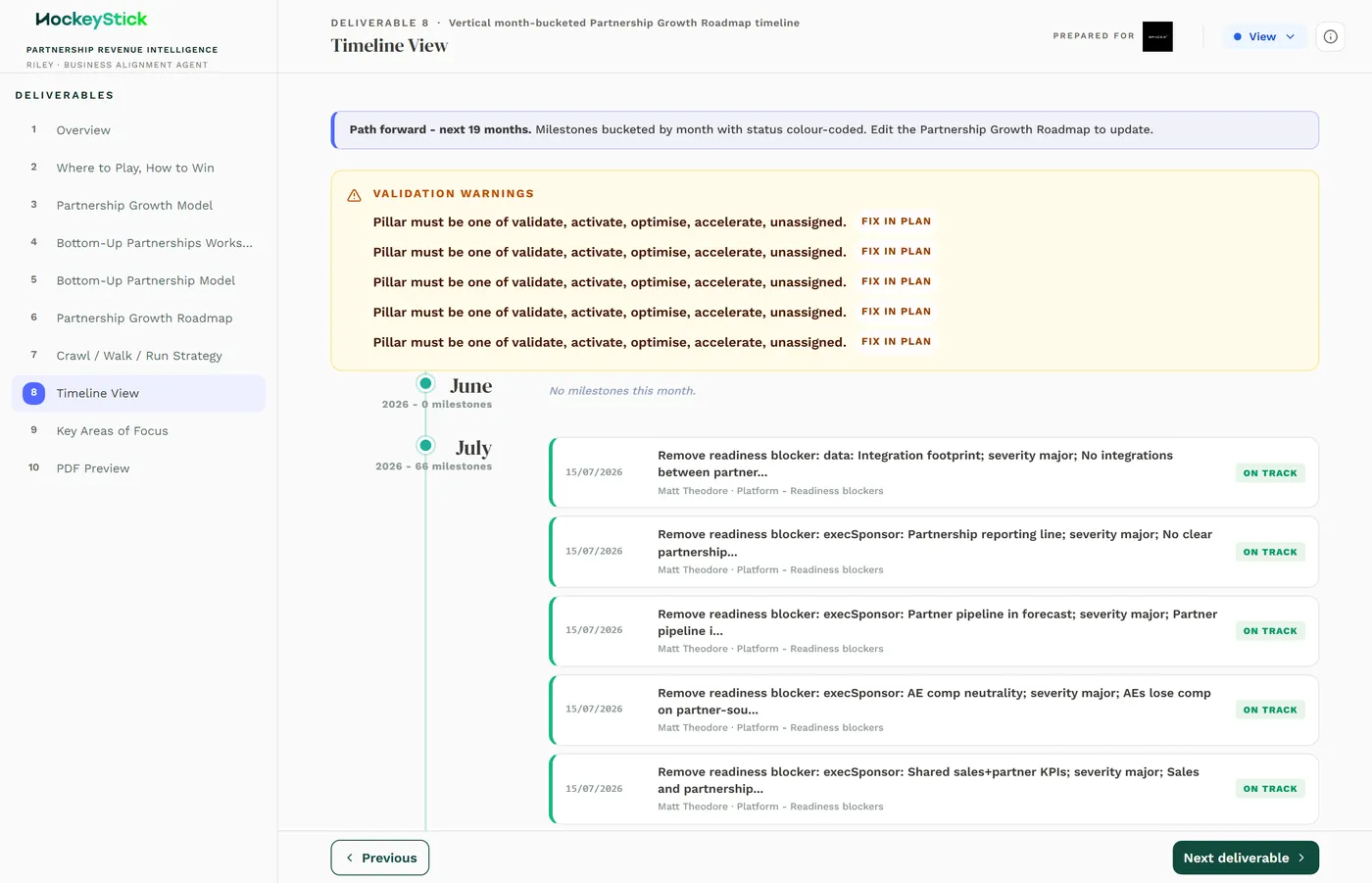
The Timeline View lays the roadmap out month by month, so the client can see when each piece of work runs across the life of the plan.
What it is
A REPORT deliverable in the Board Pack (Partnership Playbook). Like the other derived Riley pages, it is not authored directly: it reads from the Partnership Growth Roadmap and buckets the roadmap tasks into months from their start and end dates. You do not edit this page. To change what appears where, change the task dates in the roadmap and the timeline rebuilds. The page carries a "Path forward" strapline spanning the full plan horizon.
What each section means
The page is a vertical, month-bucketed list of the roadmap tasks. Each entry is a roadmap task, placed in the month its dates fall in. On the live page the tasks read as the concrete actions carried over from the roadmap, for example removing a named readiness blocker, improving a specific integration-readiness item, building an activation plan for a named partner, or advancing a named partner's journey.
Because every entry is a roadmap task shown in its scheduled month, the Timeline View is the calendar face of the same plan the roadmap holds. It adds no content of its own: what you see here is exactly what the roadmap says, arranged by time.
Reviewing it before publishing
- Every task landed in the right month. Spot-check a few entries against the
roadmap dates. A task in the wrong month means the dates on the Partnership Growth Roadmap need fixing, not this page.
- The spread is realistic. Work is distributed sensibly across the months, not
crammed into the opening weeks. A lopsided timeline usually means compressed roadmap dates.
- Nothing is missing. Every task with dates appears. A task absent from the
timeline points to a missing or malformed date on the roadmap.
- It agrees with Crawl / Walk / Run. Both pages read the same roadmap, so the
timing on one should match the phasing on the other.