
Opportunity Mapping (Alex)
Partnership Category Opportunities
Partner-level opportunity sizing by priority category.
Partnership Category Opportunities (Alex)
This page sizes the opportunity in each priority category, so the client can see where the partner-sourced revenue is likely to come from.
What it is
A DIAGNOSTIC page, generated by Alex on top of Sam's published Workshop Pack and the intake. It works from the partner categories and the workshop-entered sizing, then computes the roll-ups live. Alex only runs after Sam's pack is published.
What each section means
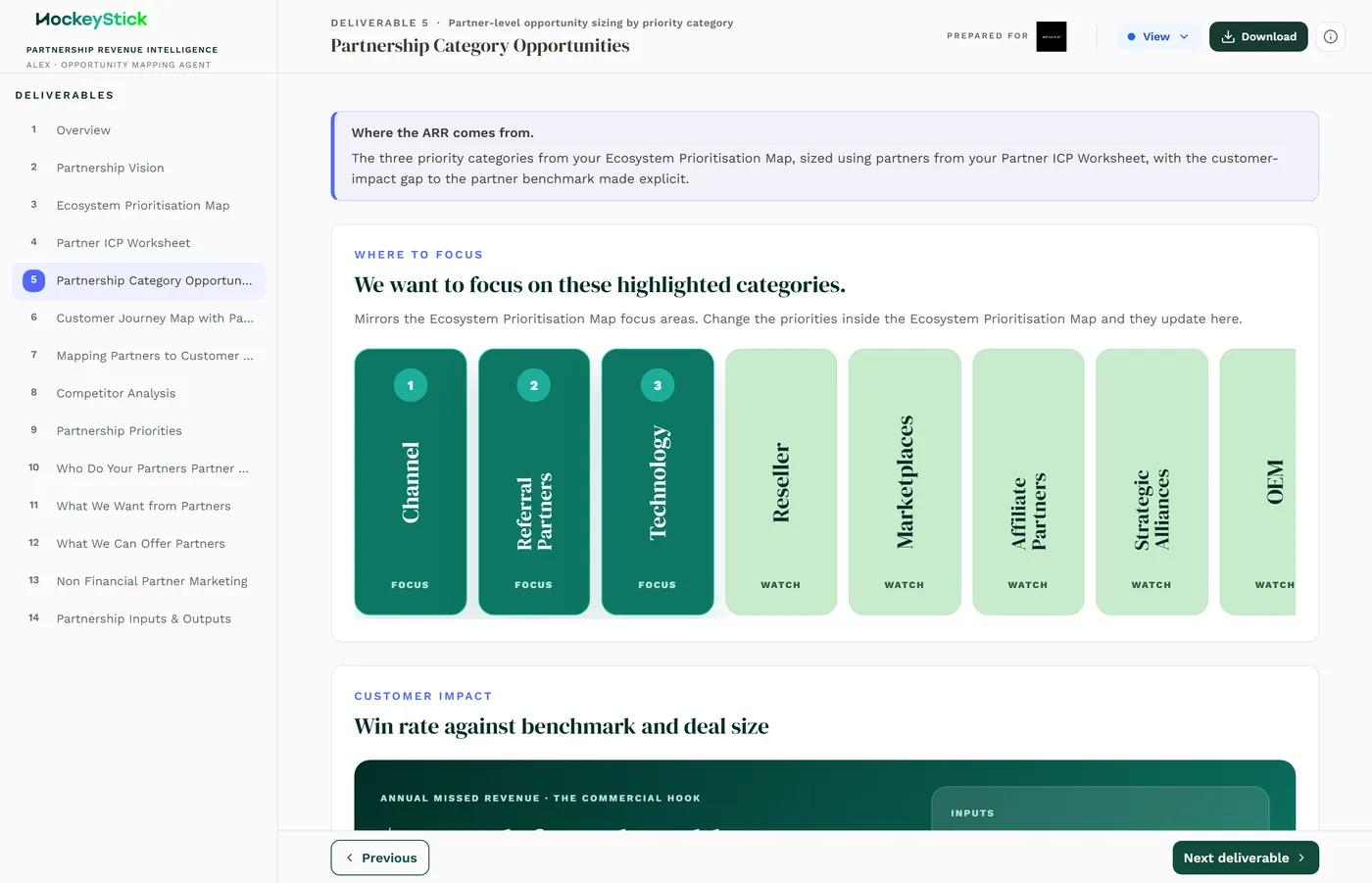
- Focus categories. The page leads with the categories to focus on. The full category set is shown so nothing is hidden: Channel, Referral Partners, Technology, Reseller, Marketplaces, Affiliate Partners, Strategic Alliances and OEM. The highlighted ones are the priorities carried up from Sam.
- The sizing inputs. Each category carries workshop-entered sizing per partner, with the roll-ups computed live. The metrics shown include:
- Where the ARR comes from. The plain-language framing of the whole page.
- Benchmark gap. Win rate against benchmark and deal size, for example a figure like 6%.
- Annual contract value.
- Annual opportunities.
- Live roll-ups. Because sizing is entered per partner and rolled up live, changing a partner's numbers changes the category totals. Figures such as +100% or $0 are computed, not typed, so an unexpected value usually means a missing or extreme input.
Reviewing it before publishing
- The sizing inputs are workshop-entered and defensible, every number should be a stated assumption, not a guess.
- The highlighted focus categories match the Prioritisation Map and Sam's ranking.
- The live roll-ups look sane: a $0 or +100% usually flags a blank or outlier input to check.
- The client's real name and real categories appear, no sample data left in.